STEP 1.
Click the STAR iconto the right of the address bar.

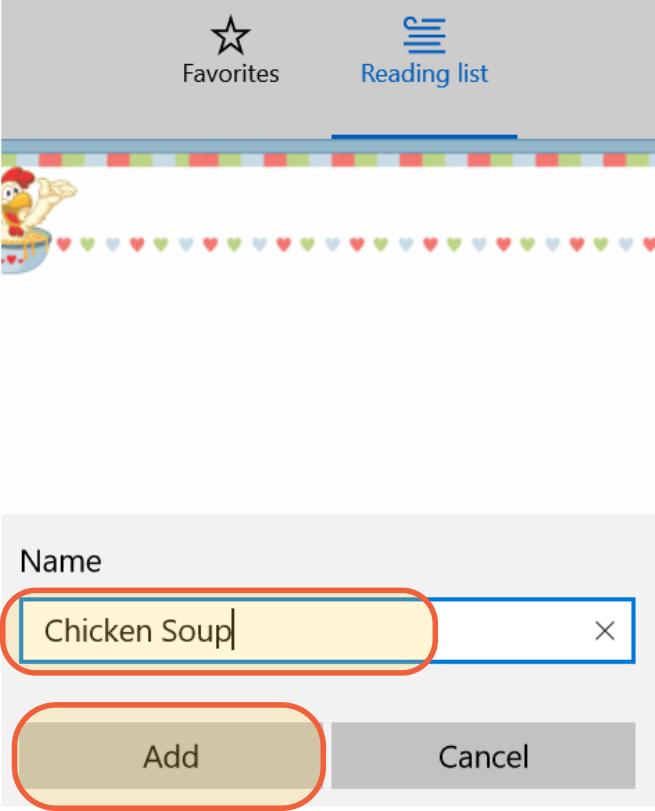
STEP 2.
Edit your recipe title and click ADD.
That's all there is to it!
Organize your recipes
You may want to create a folder just for your recipes and keep all of your recipes in one folder.
Here's how to do this:
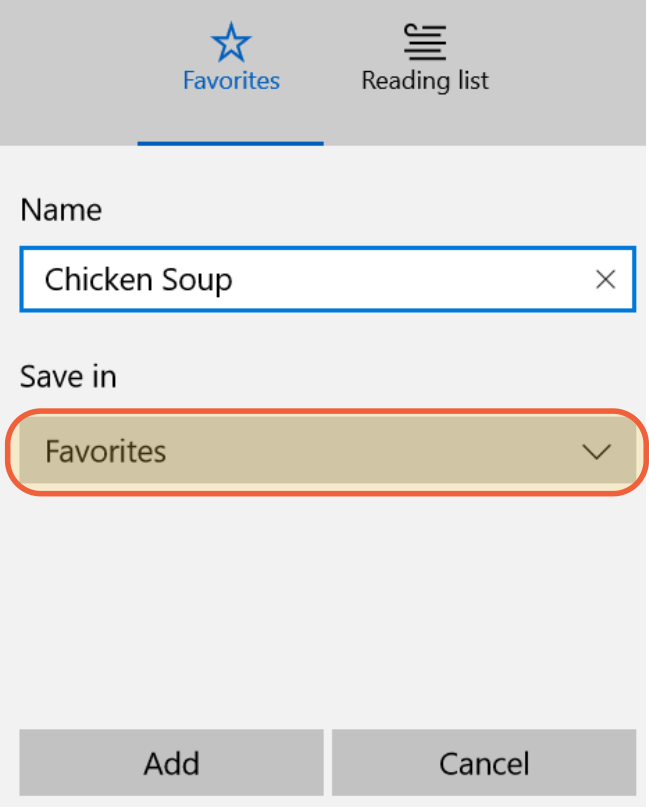
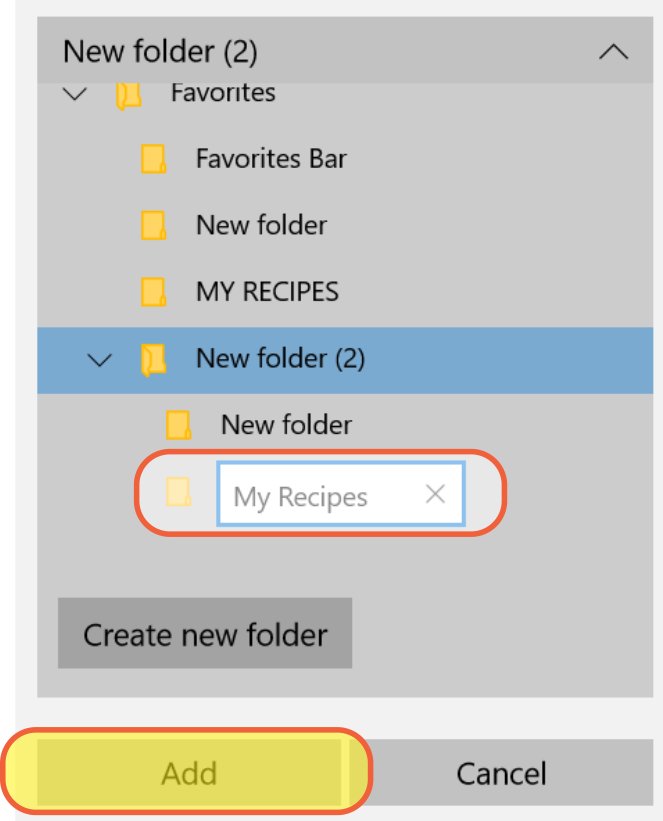
1. Instead of clicking the ADD button, click the FAVORITES under the "Save in" option.
1. Click thebutton.
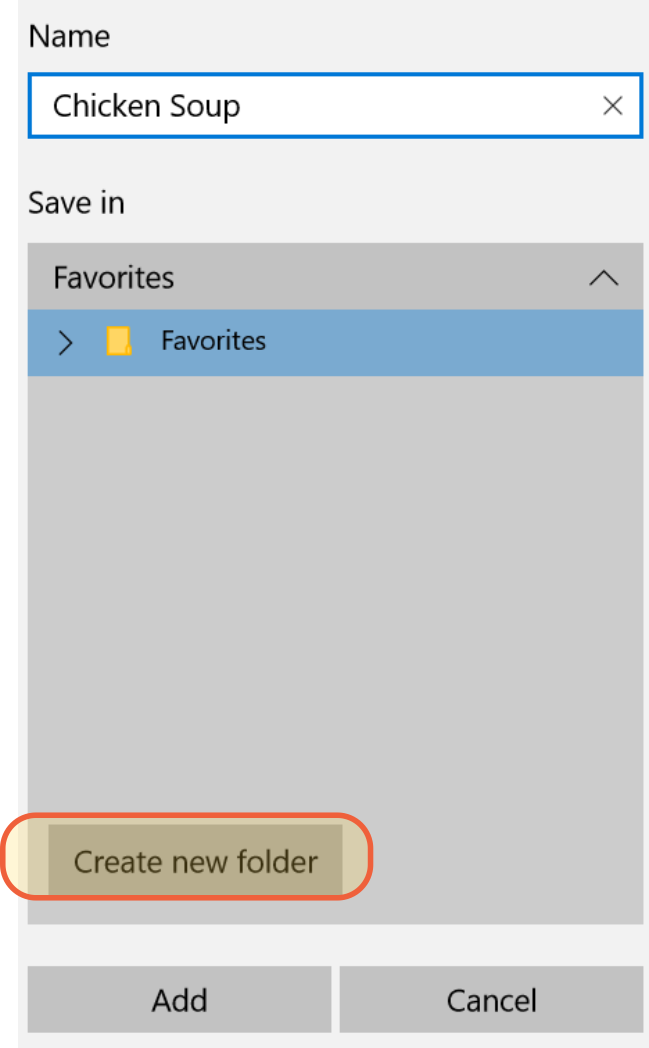
2. Give this folder a name, e.g. MY RECIPES and click the ADD button.
Find your recipes
Click the
 HUB to open your saved recipes.
 (It is at the end of the address bar, to the right of the page.)

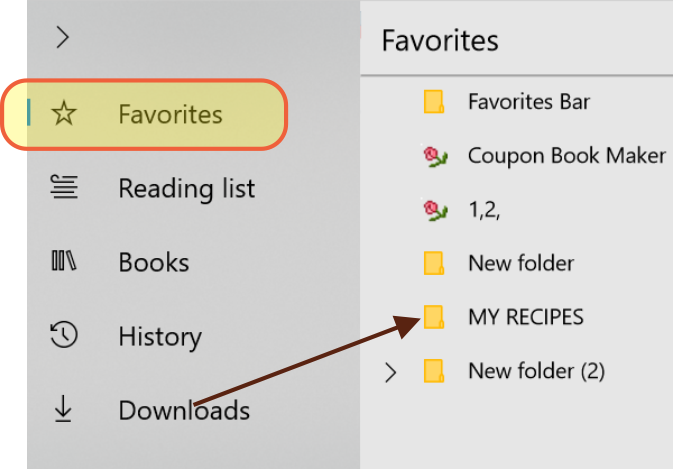
Select Favorites and you'll see your recipes listed on the right hand side.