Recipe Card Maker


This a full working demo of my Online Recipe maker.

Compatible with Internet Explorer.


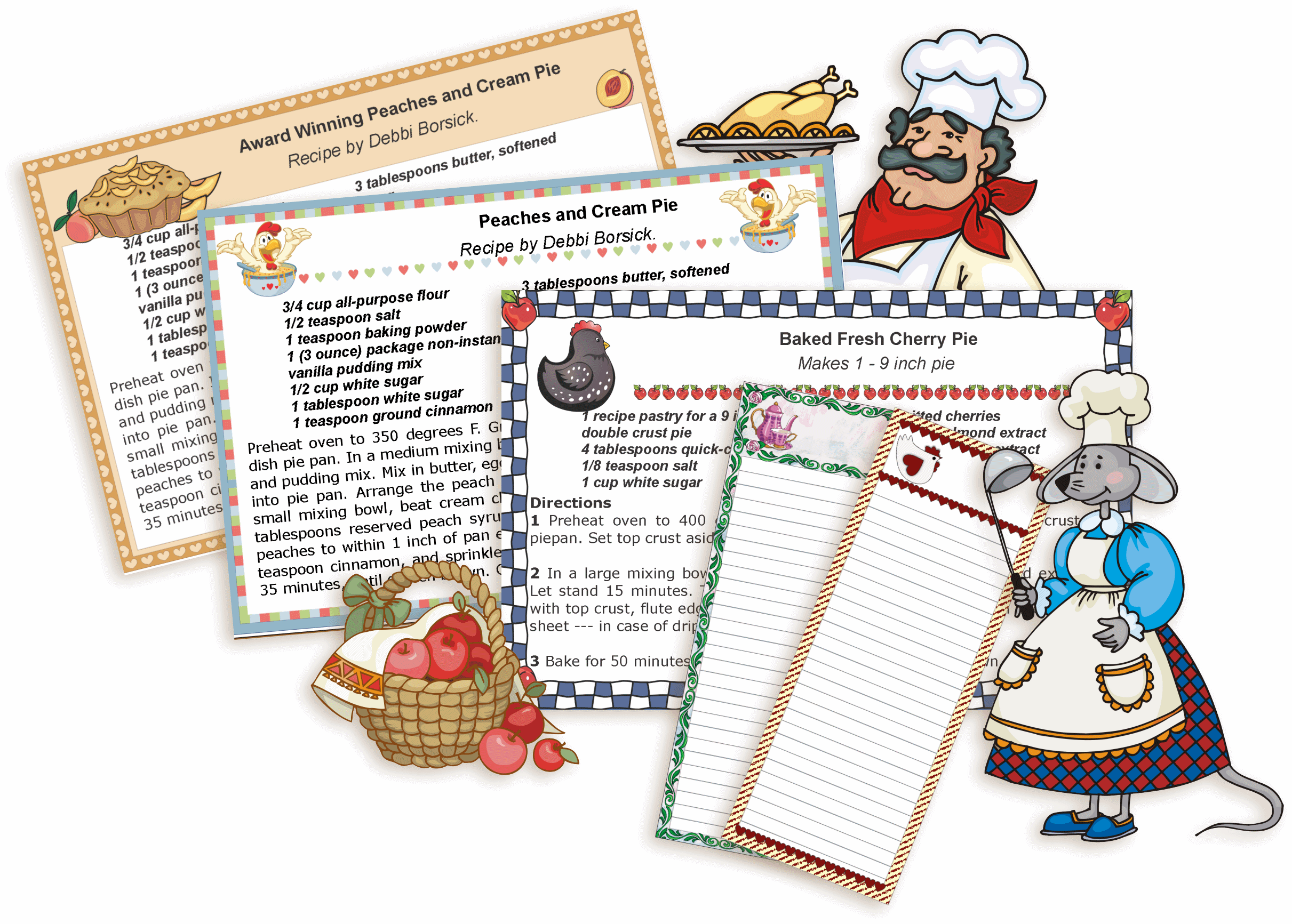
3" x 5" recipe cards


1. First, select three recipe cards:
Click your mouse pointer on a radio button to select a recipe card for each recipe.
A dot indicates a selected recipe card and is empty when unselected.


1st recipe
2nd recipe
3rd recipe

1st recipe
2nd recipe
3rd recipe

1st recipe
2nd recipe
3rd recipe

1st recipe
2nd recipe
3rd recipe

1st recipe
2nd recipe
3rd recipe

1st recipe
2nd recipe
3rd recipe

1st recipe
2nd recipe
3rd recipe


2. Start typing your recipes:


1 st recipe

Type in the name of your recipe:


Extra line:
(Type in your name, leave blank, or add any text you want.)


Serves:


Ingredients; left column:
(enter up to 30 characters per line)

Ingredients; right column:
(enter up to 30 characters per line)


Extra cells for more recipe ingredients:

Ingredients; left column:
(up 30 characters per line)
Check the box(es) to insert a line break(s).


Ingredients; right column:
(up 30 characters per line)
Check the box(es) to insert a line break(s).


Type your recipe:

Preview your card often to check how much space you have left.


Select Text Size for your recipe instructions:
Larger   Medium   Default   Smaller
Click on any of
the links below to
Insert Abbreviation:
¼
½
¾
° - degree
oz - Ounce
lb - Pound
tsp - Teaspoon
tbsp - Tablespoon
qt - quart
Line break
Space
More codes...


2 nd recipe

If you only want to print one recipe card, select NO IMAGE and then click here to quckly scroll down to "SAVE AND PRINT YOUR RECIPE CARDS" button.
NO IMAGE


Type in the name of your recipe:


Extra line:
(Type in your name, leave blank, or add any text you want.)


Serves:


Ingredients; left column:
(enter up to 30 characters per line)

Ingredients; right column:
(enter up to 30 characters per line)


Extra cells for more recipe ingredients:

Ingredients; left column:
(up 30 characters per line)
Check the box(es) to insert a line break(s).


Ingredients; right column:
(up 30 characters per line)
Check the box(es) to insert a line break(s).


Type your recipe:

Preview your card often to check how much space you have left.


Select Text Size for your recipe instructions:
Larger   Medium   Default   Smaller
Click on any of
the links below to
Insert Abbreviation:
¼
½
¾
° - degree
oz - Ounce
lb - Pound
tsp - Teaspoon
tbsp - Tablespoon
qt - quart
Line break
Space
More codes...


3 rd recipe

If you only want to print two recipe cards, select NO IMAGE and then click here to quckly scroll down to "SAVE AND PRINT YOUR RECIPE CARDS" button.
NO IMAGE


Type in the name of your recipe:


Extra line:
(Type in your name, leave blank, or add any text you want.)


Serves:


Ingredients; left column:
(enter up to 30 characters per line)

Ingredients; right column:
(enter up to 30 characters per line)


Extra cells for more recipe ingredients:

Ingredients; left column:
(up 30 characters per line)
Check the box(es) to insert a line break(s).


Ingredients; right column:
(up 30 characters per line)
Check the box(es) to insert a line break(s).


Type your recipe:

Preview your card often to check how much space you have left.


Select Text Size for your recipe instructions:
Larger   Medium   Default   Smaller
Click on any of
the links below to
Insert Abbreviation:
¼
½
¾
° - degree
oz - Ounce
lb - Pound
tsp - Teaspoon
tbsp - Tablespoon
qt - quart
Line break
Space
More codes...


Edit your recipes:
SELECT A DIFFERENT RECIPE CARD
EDIT THE 1st RECIPE CARD
EDIT THE 2nd RECIPE CARD
EDIT THE 3rd RECIPE CARD


| TOP OF THE PAGE |

Copyright © 2010 Prints of Joy. All Rights Reserved.